
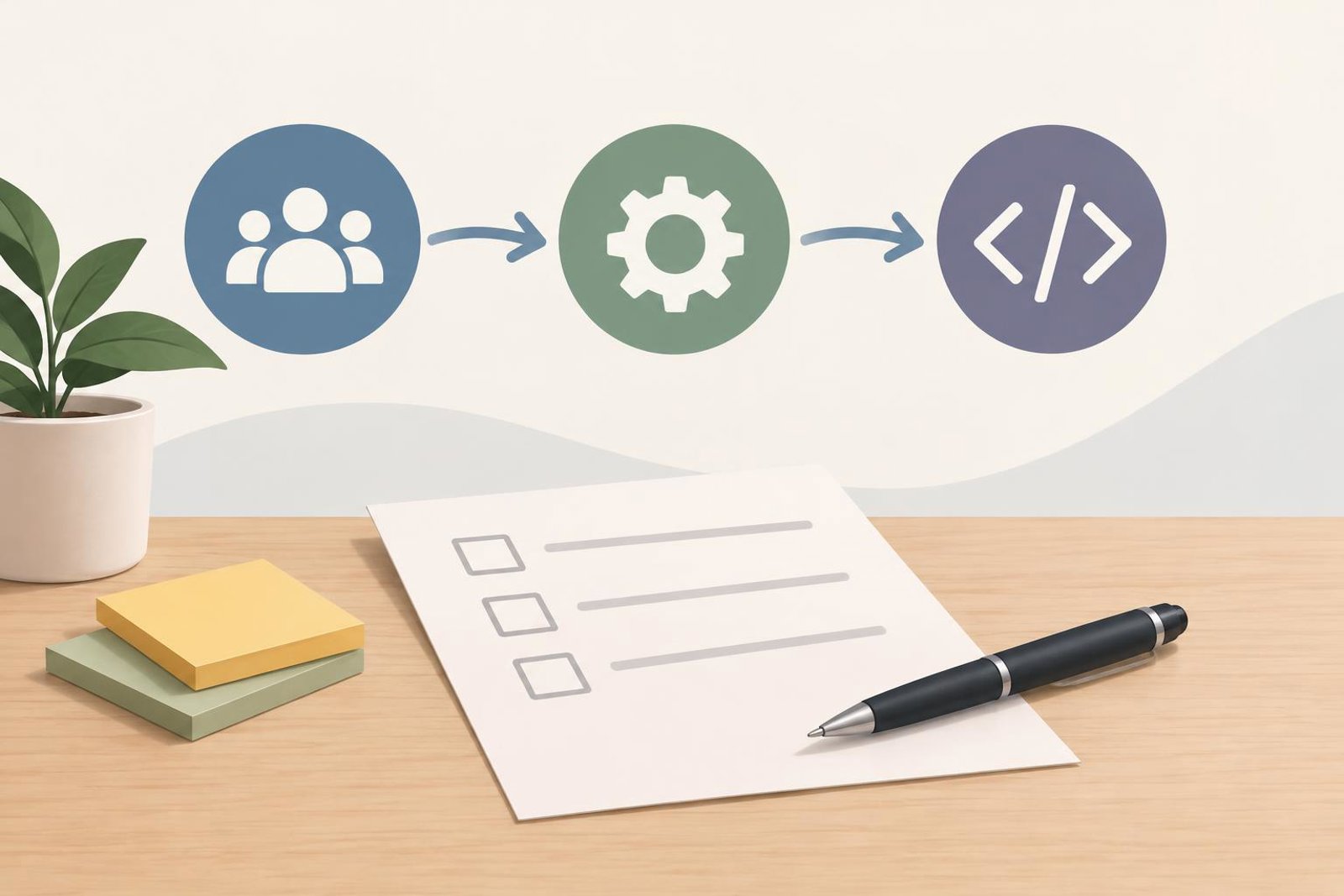
A small business owner and a developer reviewing a project brief on paper at a desk. AI-generated editorial image.
If you are planning a digital project, the best first step is often not choosing the technology. It is defining the problem clearly enough that a development team can suggest the right shape of solution. A strong brief helps you explain what the software should do, who will use it, and what success should look like.
This matters whether you are building a website, a web or mobile app, or custom business software. Octobytes designs and builds those kinds of digital products for entrepreneurs and growing businesses, so the same basic planning discipline applies across all three.
What a first project brief should answer
A useful brief does not need to be long. It needs to answer a few practical questions:
- What problem are you solving? Describe the business pain in plain language.
- Who will use it? Name the primary users and, if relevant, secondary users such as staff, customers, or partners.
- What should people be able to do? List the most important tasks the system must support.
- What should the project replace or improve? Mention any spreadsheet, manual workflow, form, or existing site that is not meeting your needs.
- What is in scope for the first version? Separate must-haves from nice-to-haves.
These questions sound simple, but they prevent one of the most common project problems: discussing features before the actual business need is clear.
Describe the workflow, not just the features
Many project briefs list screens or features, but leave out the sequence of work. For software projects, sequence matters. A login page, for example, is not enough information by itself. The team also needs to know what happens before login, after login, and what the user is trying to accomplish.

A better way to write your brief is to describe the workflow from start to finish. For example:
Example: A customer submits a service request, a team member reviews it, the request is assigned to the right person, and the customer receives a status update.
That example is hypothetical, but it shows the level of detail that makes estimates, design decisions, and technical planning easier. The same approach works for a website contact flow, an internal approval process, or a mobile app booking journey.
Decide whether you need a website, app, or custom system
Not every digital problem needs the same type of build. Choosing the wrong format can create extra cost or unnecessary complexity, so it helps to compare the options in business terms.
Choose a website when your main need is communication
If your priority is to explain your offer, help people find you, and guide them to the next step, a website is often the most practical starting point. Octobytes designs and develops business websites and online stores that help visitors understand the offer and act on it.
Choose an app product when the core value is interaction
If users need to log in, repeat actions, track progress, or use the product regularly, a web or mobile app may be a better fit. Octobytes helps founders and teams define, design, and build web and mobile products, from the first useful user journey to a release plan.
Choose custom business software when internal processes need structure
If the issue is operational rather than customer-facing, custom business software can help capture information, produce reports, and connect systems your team relies on. This is often relevant when a spreadsheet is no longer enough, or when several tools do not work together smoothly.
These are not rigid categories. Some projects begin as a website and later grow into an app or a broader business system. Still, choosing the primary purpose early helps keep the first release realistic.
Use a simple trade-off checklist before you scope the build
Before you ask for a proposal, it helps to think through the trade-offs that affect scope.
- Speed versus flexibility: A simpler first version can be faster to launch, but it may not cover every future need.
- Manual versus automated work: Some processes can stay partly manual at first, while others justify automation sooner.
- One tool versus connected tools: You may need one system that does several jobs, or several systems linked by integrations.
- Internal use versus customer use: Staff-facing software and public-facing products often have different usability needs.
- Custom build versus existing software: If your process is ordinary, off-the-shelf software may be enough. If your workflow is distinct, custom software may be the better fit.
This is where a good brief saves time. It helps a development partner understand not only what you want, but why you want it.
A practical example of a better brief
Here is a simple example of how an entrepreneur might frame a project request:
Example brief: We currently manage onboarding in spreadsheets and email. We need a small internal system for tracking leads, assigning follow-up tasks, and producing a weekly summary for the team. The first version should cover basic record keeping, task assignment, and reporting. Advanced automation can wait.
Notice what this brief includes: the current pain point, the intended users, the main workflow, and the first release priorities. It does not over-specify screens, database terms, or technical architecture. That leaves room for a development team to recommend a sensible solution.
If you already have a website or system, this same structure also works for an improvement project. You can describe what is not working now, what the user journey should be, and what should change first.
Common mistakes to avoid in the brief
There are a few patterns that make projects harder than they need to be:
- Starting with a feature wishlist: A long list of ideas can hide the actual business objective.
- Leaving out users: If you do not say who the system is for, it is harder to design the right experience.
- Skipping process details: The steps between start and finish often shape the real build.
- Assuming the first version must do everything: A phased approach is often easier to plan and maintain.
- Using vague language: Words like “simple,” “modern,” or “smart” need concrete meaning in context.
Clear language is not just a writing habit. It is a project planning tool.
A short checklist before you contact a development team
Use this checklist to prepare a stronger conversation:
- Write the problem in one sentence.
- List the primary users and their main tasks.
- Describe the current workflow or tool you use now.
- Mark the must-haves for the first release.
- Note any integrations, reports, or approvals the project needs.
- Decide whether the priority is a website, app product, or custom business software.
- Collect examples of anything similar you like or dislike.
If you can answer those points, you are in a much better position to compare options and have a productive first discussion about scope.
For readers exploring their next step, Octobytes offers website development, app product development, and custom business software for entrepreneurs and growing businesses. You can review the services at Services, or go directly to Custom Business Software if your main need is a workflow or system improvement.
Next step: Draft a one-page brief using the checklist above, then use it to start a more focused conversation about the right digital product for your business.